

-
![Explore All Courses icon]() Explore All Courses
-
![Web Development and Software Engineering icon]() Web Development and Software Engineering
-
![Website Design and Development icon]() Website Design and Development
-
![Frontend Development icon]() Frontend Development
-
![Backend Development icon]() Backend Development
-
![Full-Stack Development icon]() Full-Stack Development
-
![WordPress and CMS Development icon]() WordPress and CMS Development
-
![UI/UX and Web Interface Design icon]() UI/UX and Web Interface Design
-
![Programming Fundamentals icon]() Programming Fundamentals
-
![Database Design and SQL icon]() Database Design and SQL
-
![APIs and System Integration icon]() APIs and System Integration
-
![Software Testing and Quality Assurance icon]() Software Testing and Quality Assurance
-
![Version Control and Developer Tools icon]() Version Control and Developer Tools
-
![Mobile App Development icon]() Mobile App Development
-
![Game Development icon]() Game Development
-
-
![Graphic Design, Branding and Creative Media icon]() Graphic Design, Branding and Creative Media
-
![Digital Marketing and Online Business Growth icon]() Digital Marketing and Online Business Growth
-
![IT Support, Networking and Cybersecurity icon]() IT Support, Networking and Cybersecurity
-
![Business Software, Accounting and Digital Operations icon]() Business Software, Accounting and Digital Operations
-
![Artificial Intelligence and Business Automation icon]() Artificial Intelligence and Business Automation
-
![Data Analysis and Business Intelligence icon]() Data Analysis and Business Intelligence
-
![Entrepreneurship, Freelancing and Career Development icon]() Entrepreneurship, Freelancing and Career Development
-
![Project Management and Professional Skills icon]() Project Management and Professional Skills
-
![Education Technology and Digital Teaching icon]() Education Technology and Digital Teaching
-
![Office Administration and Productivity icon]() Office Administration and Productivity
-
![Photography, Video and Content Production icon]() Photography, Video and Content Production
-
![E-commerce and Online Selling icon]() E-commerce and Online Selling
-
![Human Resources and Digital Recruitment icon]() Human Resources and Digital Recruitment


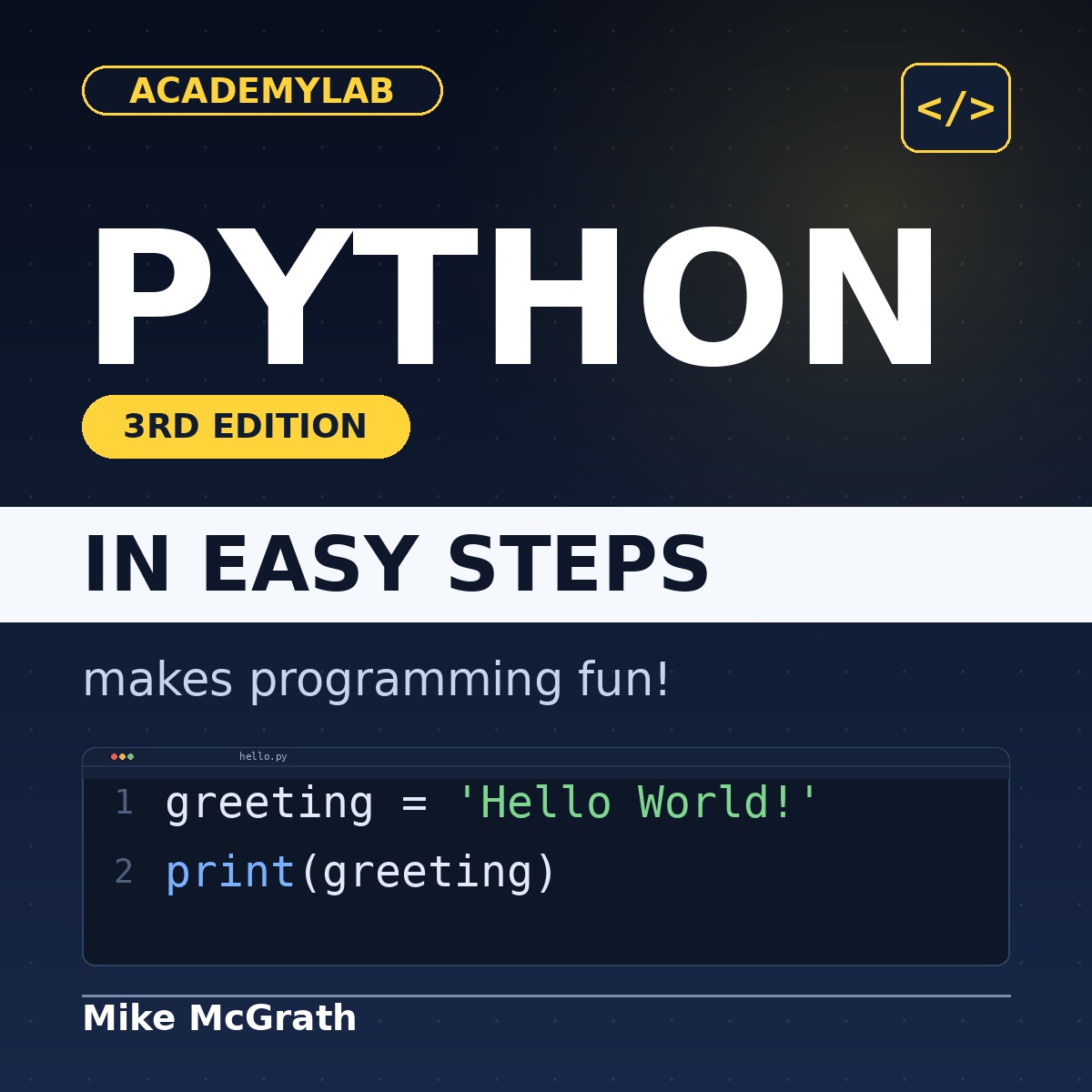
Python in Easy Steps: 3rd Edition
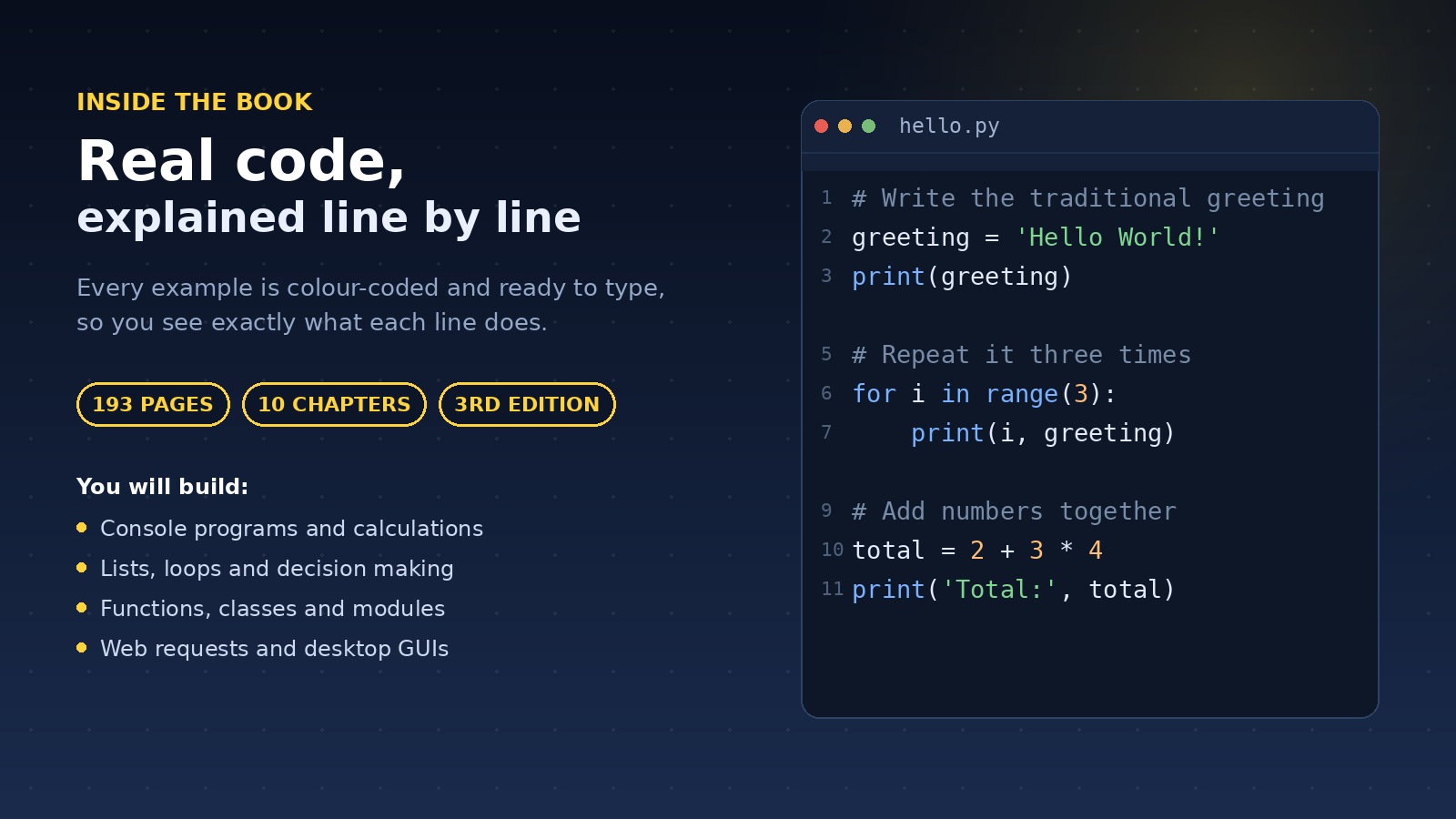
- Python in Easy Steps is a 193-page, full-colour PDF guide to programming in Python. Learn variables, lists, loops, functions, classes, files, web requests and Tkinter interfaces through short, numbered steps.
Quantity
Send Product as Gift
Send as a gift to friends
Get Cashback
About This Product
Learn Python, step by step
Python in Easy Steps is a 193-page, full-colour PDF guide to programming in Python. Each topic is a short, numbered walkthrough with example code and the actual screen output, so you can type it in and watch it work.
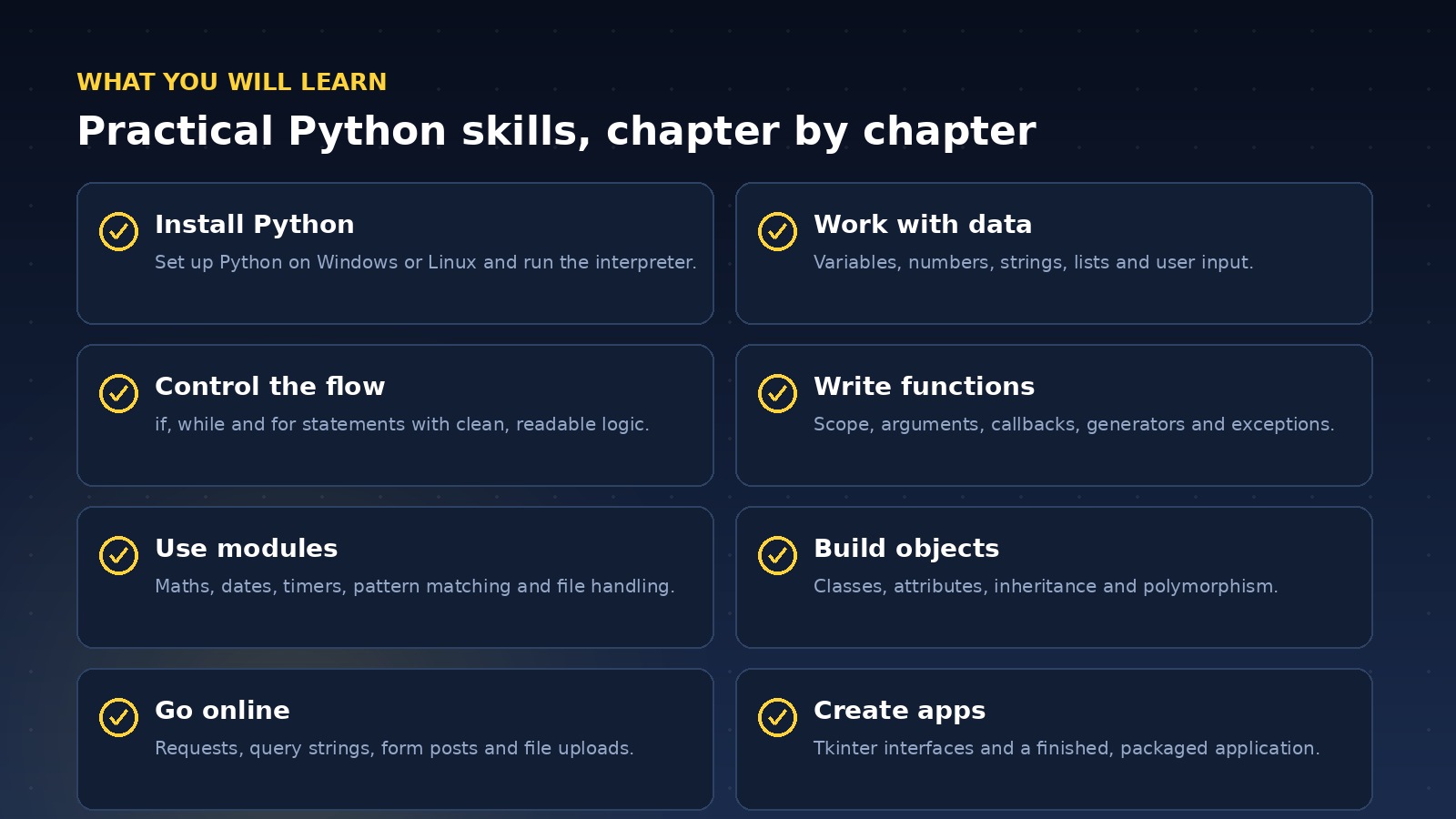
What you will learn
- Install Python on Windows or Linux, meet the interpreter and write your first program.
- Work with variables, numbers, strings, lists and user input.
- Control programs with if, while and for statements, and combine conditions with logic operators.
- Define functions with arguments, callbacks, generators, placeholders and exception handling.
- Import modules for maths, dates, timers, pattern matching and file handling.
- Build classes and objects, then apply inheritance and polymorphism.
- Process web requests and forms, and build Tkinter desktop interfaces.
- Finish with a complete application you can test and freeze for distribution.
A practical reference for beginners, students and anyone who wants a clear, visual route into Python programming.
See the Contents tab for the full chapter list, and Specifications for publication details.
Python in Easy Steps is an independent educational publication. It is not affiliated with, sponsored by or endorsed by the Python Software Foundation. Python is a trademark of the Python Software Foundation.
Product Specifications
Requirements
Contents
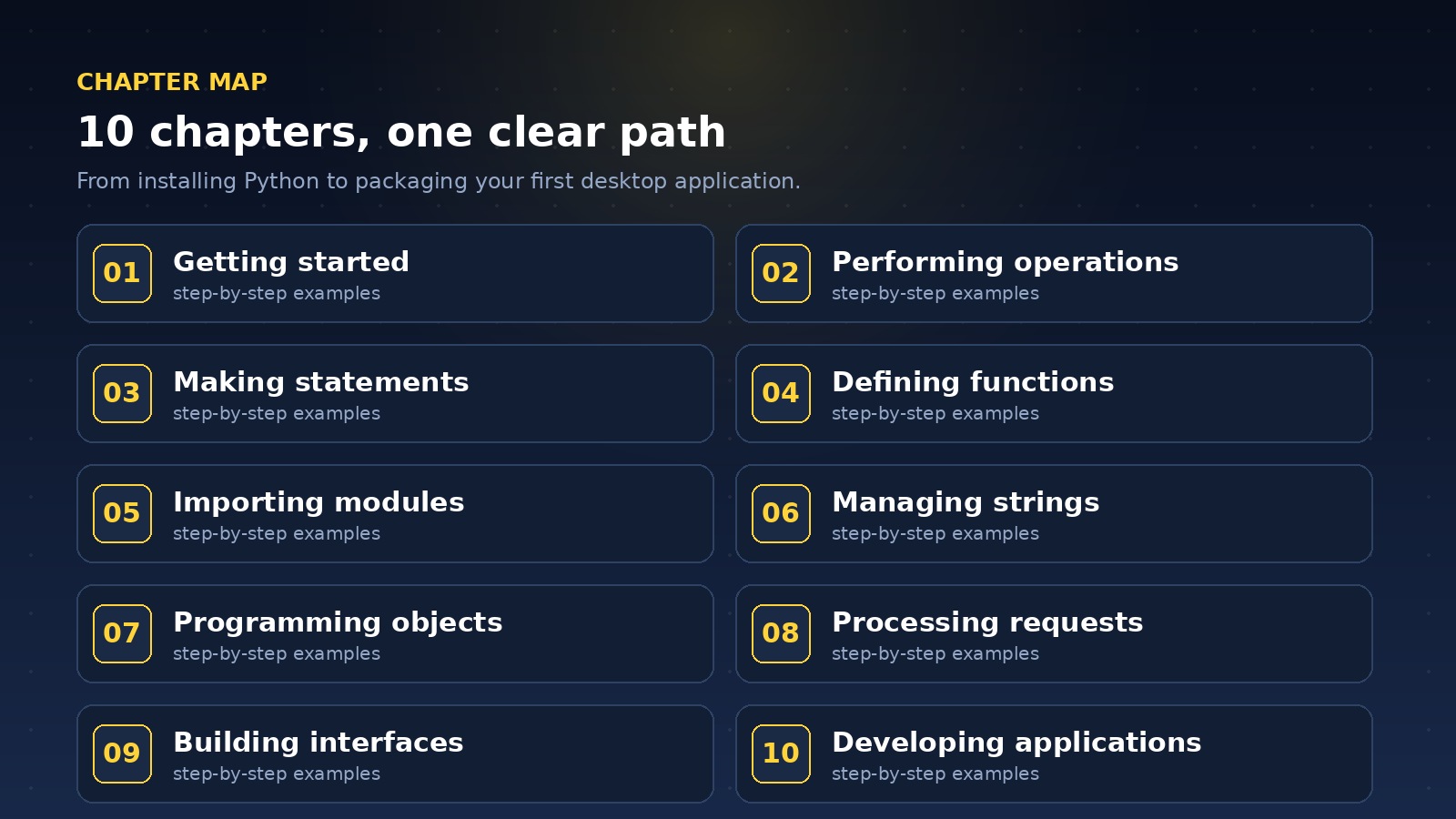
10 chapters in this ebook. Expand any chapter to see the topics covered.
1. Getting started
- Introducing Python
- Installing Python on Windows
- Installing Python on Linux
- Meeting the interpreter
- Writing your first program
- Employing variables
- Obtaining user input
- Correcting errors
- Summary
2. Performing operations
- Doing arithmetic
- Assigning values
- Comparing values
- Assessing logic
- Examining conditions
- Setting precedence
- Casting data types
- Manipulating bits
- Summary
3. Making statements
- Writing lists
- Manipulating lists
- Restricting lists
- Associating list elements
- Branching with if
- Looping while true
- Looping over items
- Breaking out of loops
- Summary
4. Defining functions
- Understanding scope
- Supplying arguments
- Returning values
- Using callbacks
- Adding placeholders
- Producing generators
- Handling exceptions
- Debugging assertions
- Summary
5. Importing modules
- Storing functions
- Owning function names
- Interrogating the system
- Performing mathematics
- Calculating decimals
- Telling the time
- Running a timer
- Matching patterns
- Summary
6. Managing strings
- Manipulating strings
- Formatting strings
- Modifying strings
- Converting strings
- Accessing files
- Reading and writing files
- Updating file strings
- Pickling data
- Summary
7. Programming objects
- Encapsulating data
- Creating instance objects
- Addressing class attributes
- Examining built-in attributes
- Collecting garbage
- Inheriting features
- Overriding base methods
- Harnessing polymorphism
- Summary
8. Processing requests
- Processing requests
- Developing web apps
- Building app structure
- Getting data
- Appending query strings
- Posting data
- Selecting options
- Checking options
- Uploading files
- Summary
9. Building interfaces
- Launching a window
- Responding to buttons
- Displaying messages
- Gathering entries
- Listing options
- Polling radio buttons
- Checking boxes
- Adding images
- Summary
10. Developing applications
- Generating random numbers
- Planning the program
- Designing the interface
- Assigning static properties
- Initializing dynamic properties
- Adding runtime functionality
- Testing the program
- Installing a freezing tool
- Freezing the program
- Summary
FAQs
View frequently asked questions about this product

MultiLab Creatives
More from MultiLab Creatives
Microsoft Excel in Easy Steps: ...
Technology & Computing
Adobe Photoshop Manual
Arts, Design & Creativity
Android Complete Manual
Technology & Computing

Subscribe to Our Newsletter


Take the First Step Towards Mastery!
Additional Links
Login | Register News and Articles Contact Center Certificate Validation Become Instructor About AcademyLab Terms and Policies MultiLab Creatives Shop MarketplaceContact US
Download App




Reply to Comment