

-
![Explore All Courses icon]() Explore All Courses
-
![Web Development and Software Engineering icon]() Web Development and Software Engineering
-
![Website Design and Development icon]() Website Design and Development
-
![Frontend Development icon]() Frontend Development
-
![Backend Development icon]() Backend Development
-
![Full-Stack Development icon]() Full-Stack Development
-
![WordPress and CMS Development icon]() WordPress and CMS Development
-
![UI/UX and Web Interface Design icon]() UI/UX and Web Interface Design
-
![Programming Fundamentals icon]() Programming Fundamentals
-
![Database Design and SQL icon]() Database Design and SQL
-
![APIs and System Integration icon]() APIs and System Integration
-
![Software Testing and Quality Assurance icon]() Software Testing and Quality Assurance
-
![Version Control and Developer Tools icon]() Version Control and Developer Tools
-
![Mobile App Development icon]() Mobile App Development
-
![Game Development icon]() Game Development
-
-
![Graphic Design, Branding and Creative Media icon]() Graphic Design, Branding and Creative Media
-
![Digital Marketing and Online Business Growth icon]() Digital Marketing and Online Business Growth
-
![IT Support, Networking and Cybersecurity icon]() IT Support, Networking and Cybersecurity
-
![Business Software, Accounting and Digital Operations icon]() Business Software, Accounting and Digital Operations
-
![Artificial Intelligence and Business Automation icon]() Artificial Intelligence and Business Automation
-
![Data Analysis and Business Intelligence icon]() Data Analysis and Business Intelligence
-
![Entrepreneurship, Freelancing and Career Development icon]() Entrepreneurship, Freelancing and Career Development
-
![Project Management and Professional Skills icon]() Project Management and Professional Skills
-
![Education Technology and Digital Teaching icon]() Education Technology and Digital Teaching
-
![Office Administration and Productivity icon]() Office Administration and Productivity
-
![Photography, Video and Content Production icon]() Photography, Video and Content Production
-
![E-commerce and Online Selling icon]() E-commerce and Online Selling
-
![Human Resources and Digital Recruitment icon]() Human Resources and Digital Recruitment


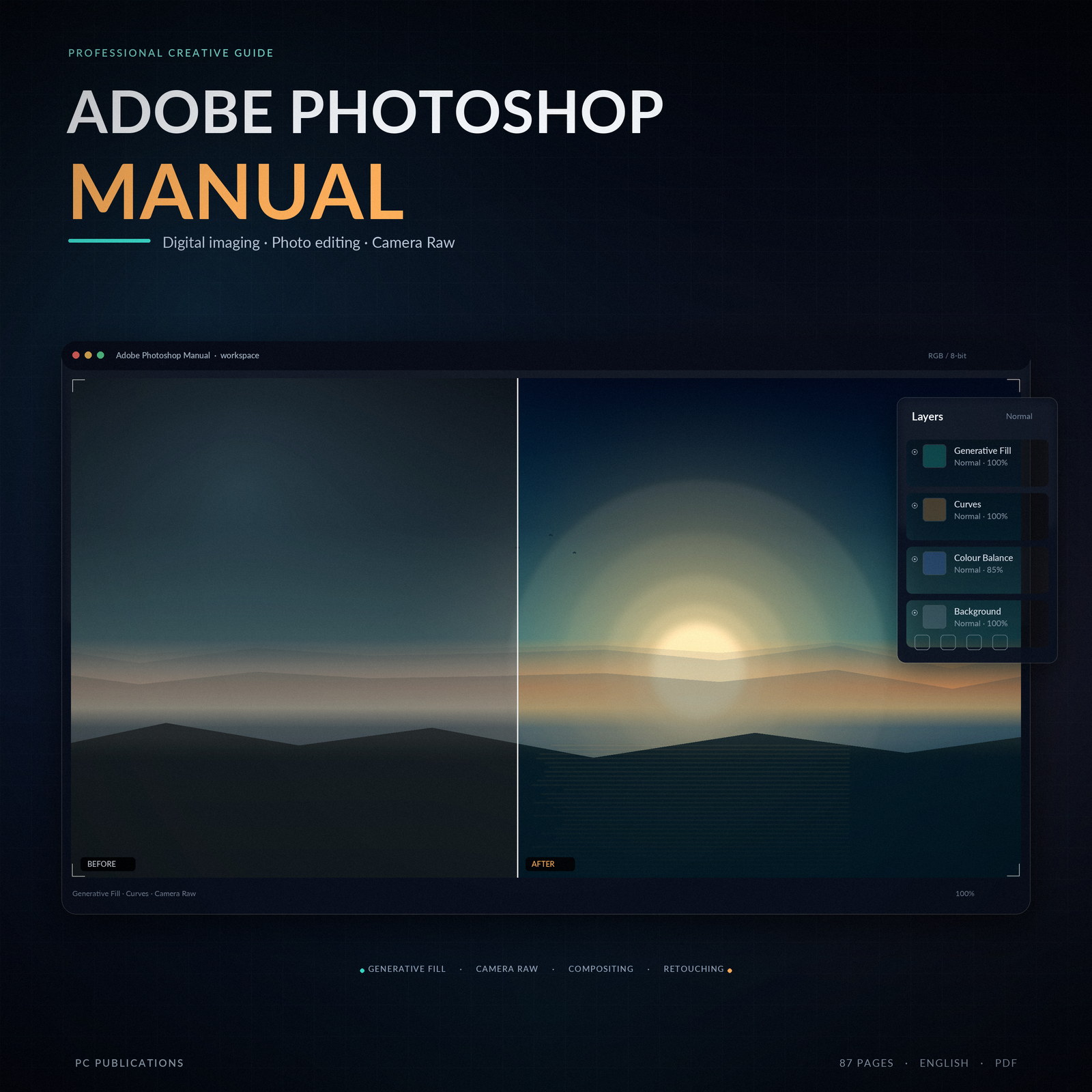
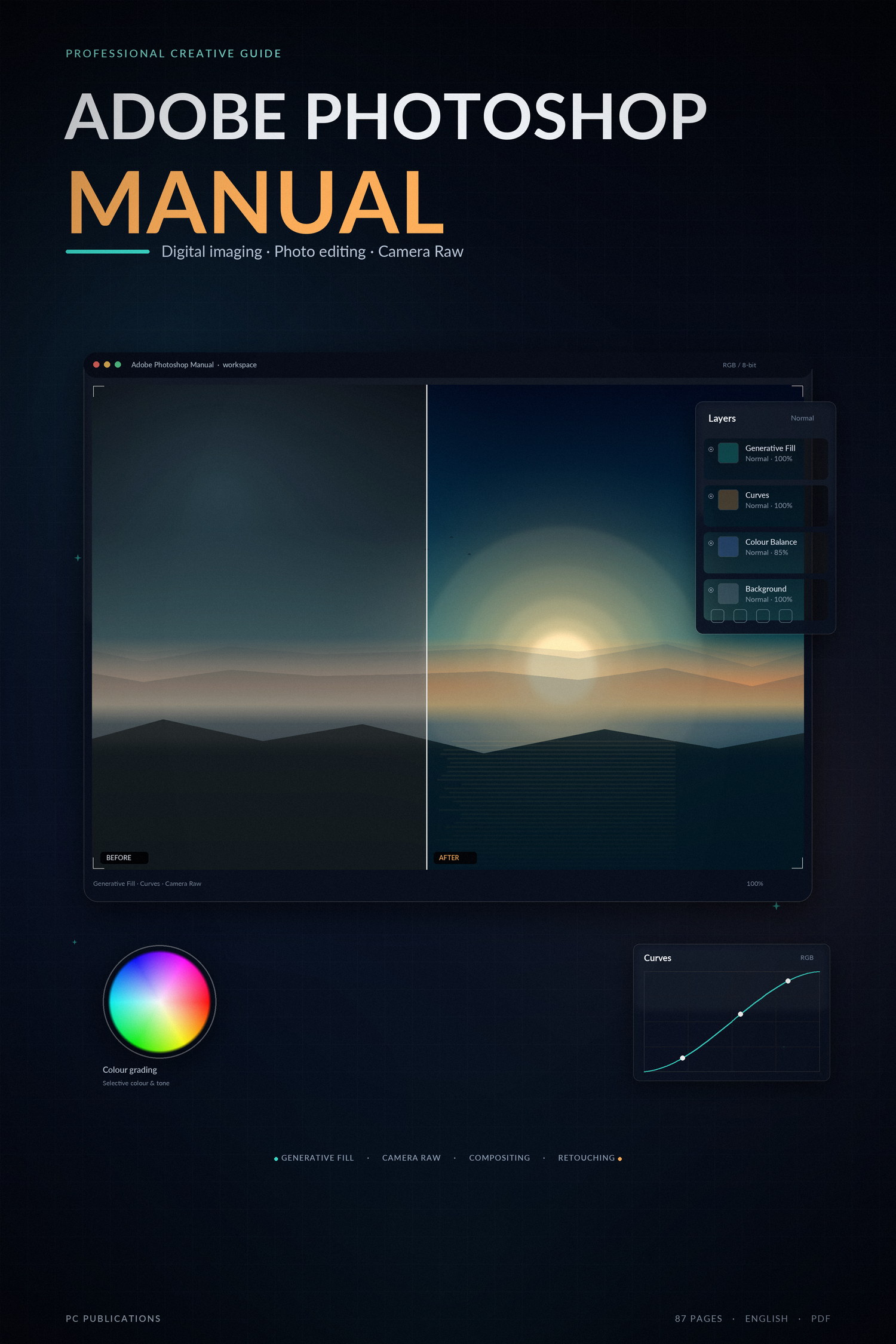
Adobe Photoshop Manual
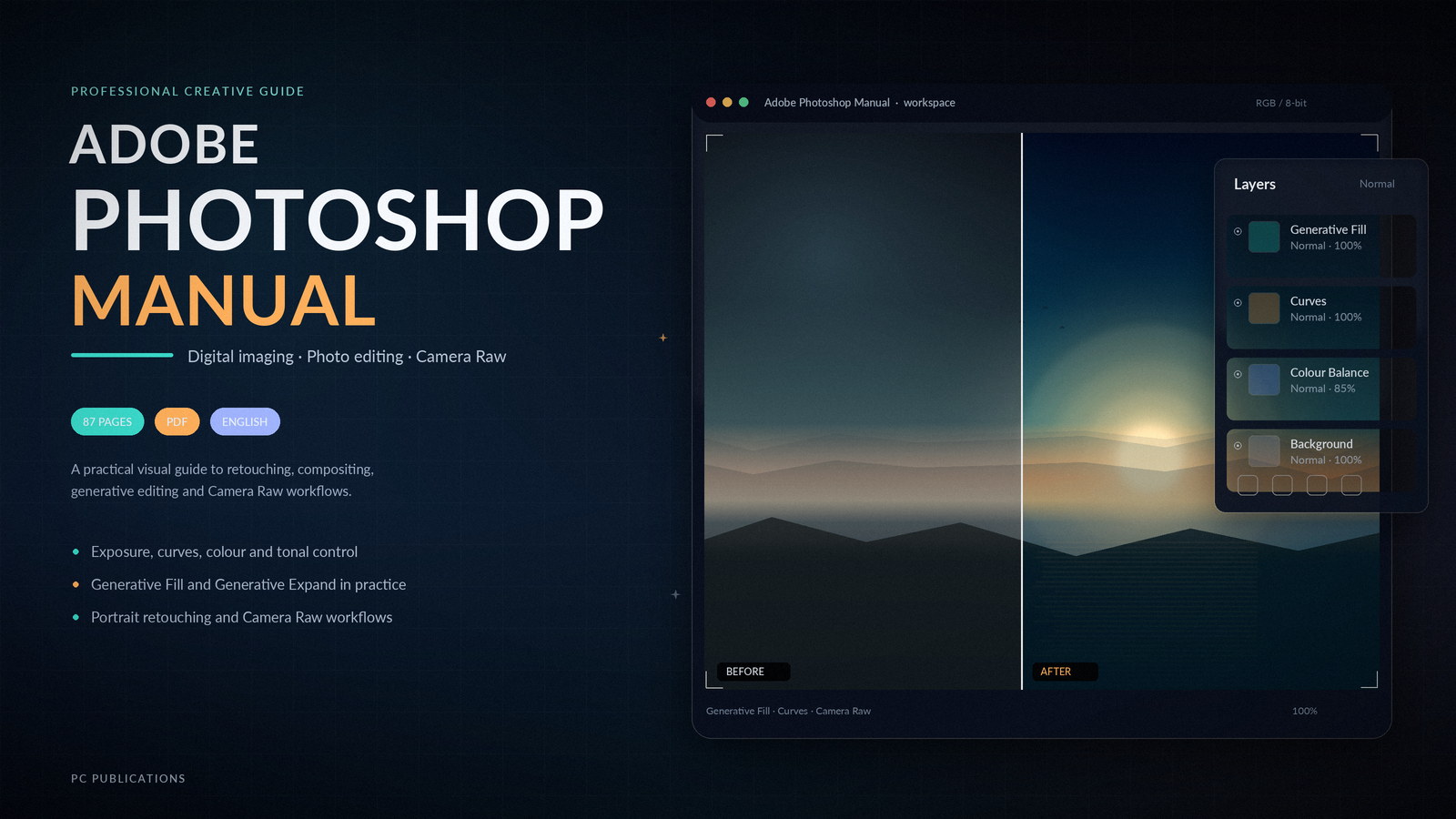
- Build confidence with Adobe Photoshop through clear, visual, step-by-step guidance. This 87-page PDF manual covers essential adjustments, generative editing, portrait retouching, compositing and Camera Raw workflows.
Quantity
Send Product as Gift
Send as a gift to friends
Get Cashback
About This Product
Take your image editing from guesswork to confident, repeatable results.
Adobe Photoshop Manual is an 87-page, visually led guide to everyday photo editing, compositing, retouching and Camera Raw. Work through clear, numbered steps with annotated screenshots and build a workflow you can rely on.
What you will learn
- Correct exposure, contrast, colour and tone with adjustment layers, Curves and Levels.
- Remove distractions with Generative Fill, extend scenes with Generative Expand, and work with Content-Aware Fill and Scale.
- Build double exposures, collodion-style portraits and polished portrait retouching.
- Use the Pen tool, graduated filters, lens correction and precise colour replacement.
- Process Raw files in Adobe Camera Raw, from the toolbar and edit menu to a complete workflow.
Written for graphic designers, photographers, marketers, students and small-business owners, this manual is suitable for beginners and intermediate users who want a practical Photoshop reference.
See the Specifications tab for the full chapter list, requirements and publication details.
Adobe Photoshop Manual is an independent educational publication. It is not affiliated with, sponsored by or endorsed by Adobe. Adobe and Photoshop are trademarks of Adobe Inc.
Product Specifications
Requirements
Contents
3 parts in this ebook. Expand any part to see the topics covered.
Part 1 — Learn and Improve Your Skills
- Double Exposure Effect
- One Image, Two Windows
- Adjusting Exposure
- Contrast and Saturation
- Gradient Fill and Paint Bucket
- Curves and Levels
- Cropping and Resizing
- Generative Fill Content Removal
- Generative Expand
- Content-Aware Fill and Scale
- Collodion Portraits
- Improve Your Spot Healing
Part 2 — Enhance Your Skills
- The Pen Tool and Paths
- Adding a Graduated Filter
- Correcting Lens Distortion
- Colour Replacement
- Perfect Portraits
- Precise Lens Flare Placement
Part 3 — Adobe Camera Raw
- Processing Raw Files
- Camera Raw
- The Toolbar
- The Edit Menu
- Raw Workflow
- Cartoonize Your Photos
- Combine Adjustment Layers
- Enhancing Your Photos
- Clone Stamp Control
FAQs
View frequently asked questions about this product

MultiLab Creatives
More from MultiLab Creatives
Python in Easy Steps: 3rd Edition
Technology & Computing
Microsoft Excel in Easy Steps: ...
Technology & Computing
Android Complete Manual
Technology & Computing

Subscribe to Our Newsletter


Take the First Step Towards Mastery!
Additional Links
Login | Register News and Articles Contact Center Certificate Validation Become Instructor About AcademyLab Terms and Policies MultiLab Creatives Shop MarketplaceContact US
Download App




Reply to Comment