

-
![Explore All Courses icon]() Explore All Courses
-
![Web Development and Software Engineering icon]() Web Development and Software Engineering
-
![Website Design and Development icon]() Website Design and Development
-
![Frontend Development icon]() Frontend Development
-
![Backend Development icon]() Backend Development
-
![Full-Stack Development icon]() Full-Stack Development
-
![WordPress and CMS Development icon]() WordPress and CMS Development
-
![UI/UX and Web Interface Design icon]() UI/UX and Web Interface Design
-
![Programming Fundamentals icon]() Programming Fundamentals
-
![Database Design and SQL icon]() Database Design and SQL
-
![APIs and System Integration icon]() APIs and System Integration
-
![Software Testing and Quality Assurance icon]() Software Testing and Quality Assurance
-
![Version Control and Developer Tools icon]() Version Control and Developer Tools
-
![Mobile App Development icon]() Mobile App Development
-
![Game Development icon]() Game Development
-
-
![Graphic Design, Branding and Creative Media icon]() Graphic Design, Branding and Creative Media
-
![Digital Marketing and Online Business Growth icon]() Digital Marketing and Online Business Growth
-
![IT Support, Networking and Cybersecurity icon]() IT Support, Networking and Cybersecurity
-
![Business Software, Accounting and Digital Operations icon]() Business Software, Accounting and Digital Operations
-
![Artificial Intelligence and Business Automation icon]() Artificial Intelligence and Business Automation
-
![Data Analysis and Business Intelligence icon]() Data Analysis and Business Intelligence
-
![Entrepreneurship, Freelancing and Career Development icon]() Entrepreneurship, Freelancing and Career Development
-
![Project Management and Professional Skills icon]() Project Management and Professional Skills
-
![Education Technology and Digital Teaching icon]() Education Technology and Digital Teaching
-
![Office Administration and Productivity icon]() Office Administration and Productivity
-
![Photography, Video and Content Production icon]() Photography, Video and Content Production
-
![E-commerce and Online Selling icon]() E-commerce and Online Selling
-
![Human Resources and Digital Recruitment icon]() Human Resources and Digital Recruitment


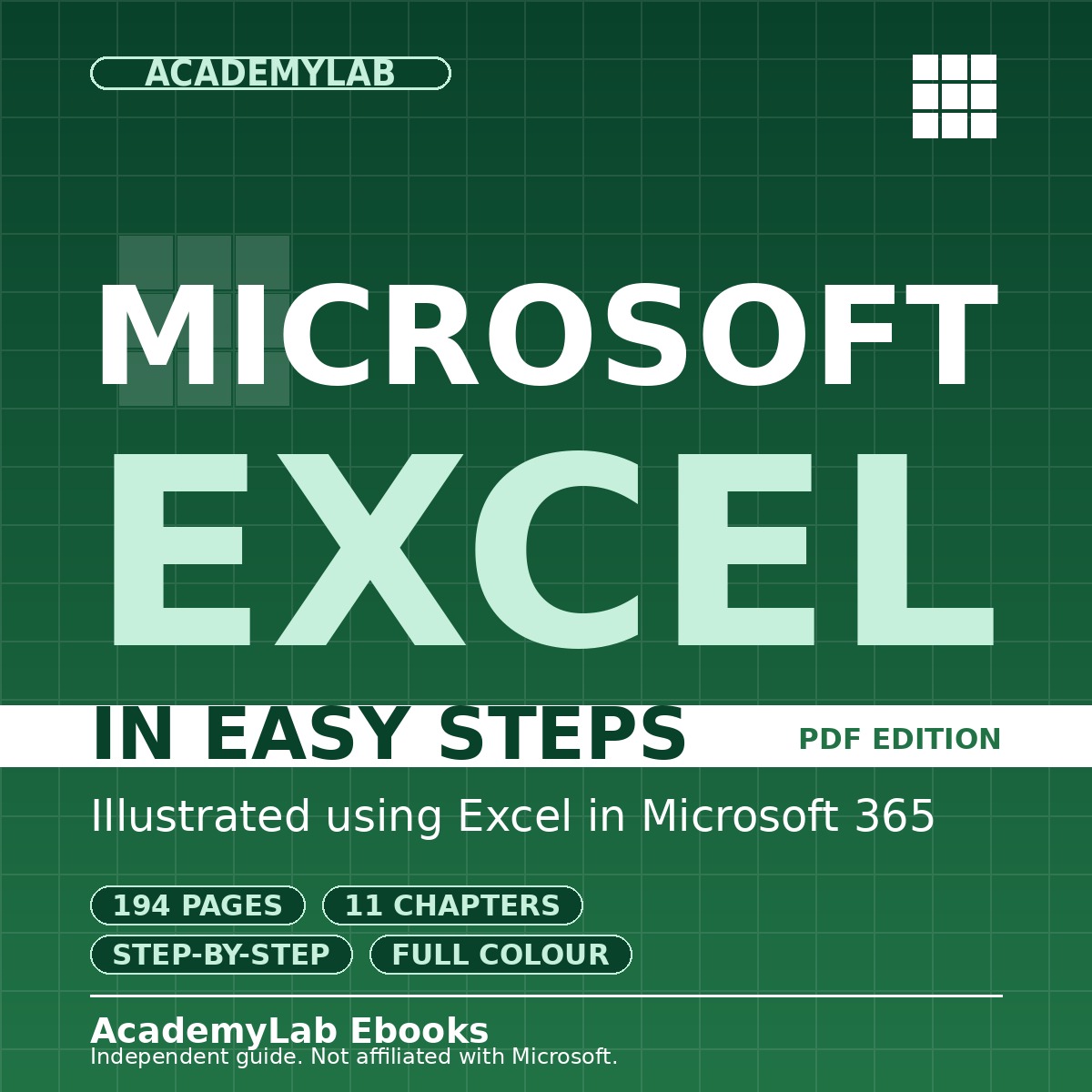
Microsoft Excel in Easy Steps: Microsoft 365 Guide
- Microsoft Excel in Easy Steps is a 194-page illustrated PDF guide that teaches Excel for Microsoft 365 from the ground up. Learn workbooks, formulas, functions, tables, charts and macros through clear, numbered steps.
Quantity
Send Product as Gift
Send as a gift to friends
Get Cashback
About This Product
Learn Microsoft Excel, step by step
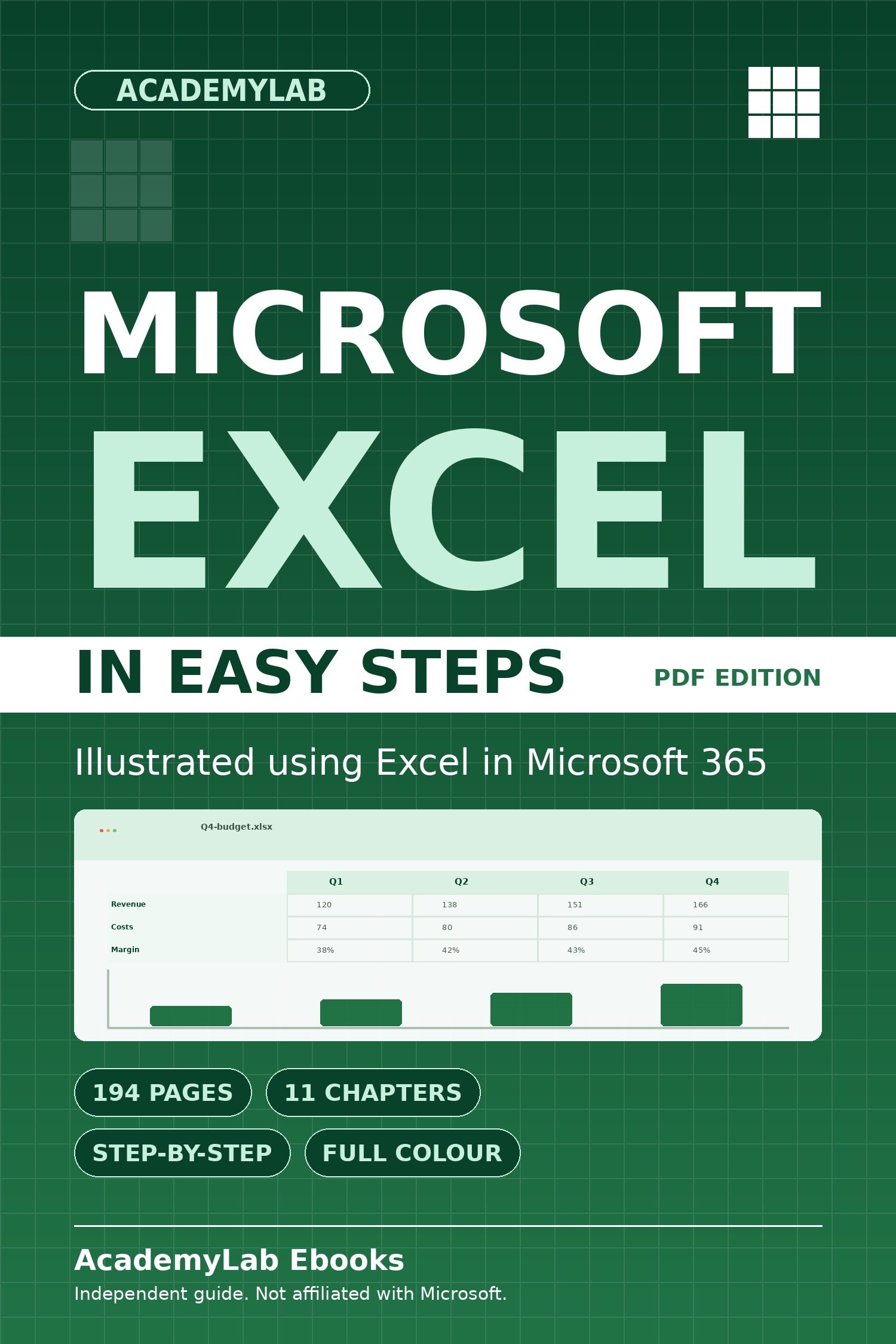
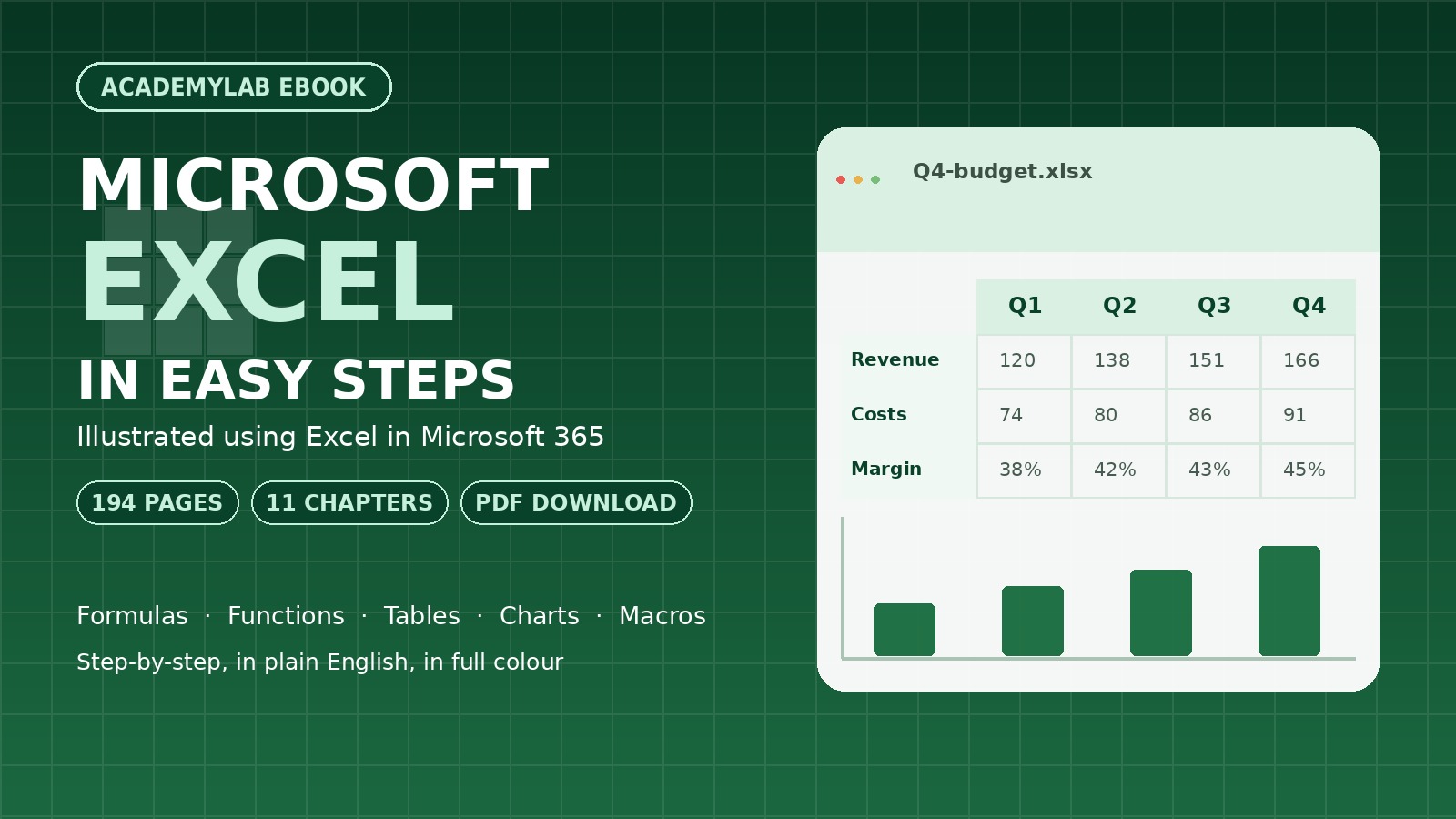
Microsoft Excel in Easy Steps is a 194-page, full-colour PDF guide to spreadsheets in Microsoft 365. Each topic is a short, numbered walkthrough with screenshots, so you can follow along in your own workbook.
What you will learn
- Build and format workbooks: enter data, fill cells, format text and numbers, and print cleanly.
- Write formulas and functions with relative, absolute and named references, and fix common formula errors.
- Organise data with Excel tables, sorting, filters, duplicate removal, frozen headers and worksheet protection.
- Use the function library: logical, lookup, financial, date, text, math and statistical functions.
- Create charts, from 3-D column and pie charts to stock and mixed charts, and print them ready to share.
- Record, edit and debug macros with VBA, and explore templates, What-If Analysis, Goal Seek and Solver.
A practical reference for students, office professionals, small-business owners and anyone moving from spreadsheet basics to confident Excel use.
See the Specifications tab for the full chapter list, requirements and publication details.
Microsoft Excel in Easy Steps is an independent educational publication. It is not affiliated with, sponsored by or endorsed by Microsoft. Microsoft and Excel are trademarks of Microsoft Corporation.
Product Specifications
Requirements
Contents
11 chapters in this ebook. Expand any chapter to see the topics covered.
1. Introduction
- The Spreadsheet Concept
- Microsoft Excel
- Microsoft 365
- System Requirements
- Getting Excel
- Excel and Windows
- The Excel Ribbon
- Exploring Excel
- Excel Online App
2. Begin with Excel
- The Excel Window
- Create a Workbook
- Add Data to the Worksheet
- Build the Worksheet
- Fill Cells
- Complete the Worksheet
- Format the Text
- Format the Numbers
- Print the Worksheet
- Insert, Copy, and Paste
- Excel Help
- Contextual Help
- Excel File Formats
3. Manage Data
- Use Existing Data
- Import Data
- Navigate the Worksheet
- Scroll with the Mouse Wheel
- Keystrokes and Touch
- Sort Rows
- Find Entries
- Filter Information
- Remove Duplicate Entries
- Check Spelling
- Freeze Headers and Labels
- Hide Columns or Rows
- Protect a Worksheet
4. Formulas and Functions
- Number Formats
- Text Formats
- Relative References
- Absolute References
- Name References
- Operators
- Calculation Sequence
- Functions
- AutoSum
- Formula Errors
- Add Notes
5. Excel Tables
- Create an Excel Table
- Edit Tables
- Table Styles
- Table Totals
- Count Unique Entries
- Structured References
- Calculated Columns
- Insert Rows
- Custom Sort
- Print a Table
- Summarize a Table
- Convert to a Range
6. Advanced Functions
- Function Library
- Logical Functions
- Lookup/Reference Functions
- Financial Functions
- Date & Time Functions
- Text Functions
- Math & Trig Functions
- Random Numbers
- Statistical Functions
- Engineering Functions
- Excel Add-ins
- Evaluate Formula
7. Control Excel
- Audit Formulas
- Protect Formulas
- Check for Errors
- Backup
- AutoSave and AutoRecover
- Startup Switches
- Create a Shortcut
- Ribbon Key Tips
- Using Key Tips
- Collapse the Ribbon
- Quick Access Toolbar
- Mini Toolbar
- Print Worksheets
8. Charts
- Create a Chart
- Recommended Chart Type
- Change Chart Layout
- Legend and Data Table
- Change Chart Type
- Pie Chart
- 3-D Pie Chart
- 3-D Column Chart
- Share Price Data
- Line Chart
- Stock Chart
- Mixed Types
- Print Charts
9. Macros in Excel
- Macros
- Create Macros
- Record a Macro
- Apply the Macro
- View the Macro
- Macro to Make a Table
- Edit the Macro
- Use the Macro
- Create Macros with VBA
- Add Macros to the Toolbar
- Debug Macros
10. Templates and Scenarios
- Templates
- Online Templates
- More Excel Resources
- What-If Analysis
- Summary Reports
- Goal Seek
- Optimization
- Project Worksheet
- Solver
11. Links and Connections
- Link to Workbooks
- Create External References
- Styles of Reference
- Source Workbook Changes
- Apply Updates
- Turn Off the Prompt
- Save Workbook Online
- Using the Excel Online App
- Excel in Word
- Publish as PDF (or XPS)
FAQs
View frequently asked questions about this product

MultiLab Creatives
More from MultiLab Creatives
 For Beginners - 3rd Edition, 2026.jpg)
Artificial Intelligence for ...
Technology & Computing
Android Complete Manual
Technology & Computing
Python in Easy Steps: 3rd Edition
Technology & Computing

Subscribe to Our Newsletter


Take the First Step Towards Mastery!
Additional Links
Login | Register News and Articles Contact Center Certificate Validation Become Instructor About AcademyLab Terms and Policies MultiLab Creatives Shop MarketplaceContact US
Download App




Reply to Comment